
Multi-Class Grading
Grade students from multiple classes simultaneously in one combined list – perfect for sports days or grade-level testing.
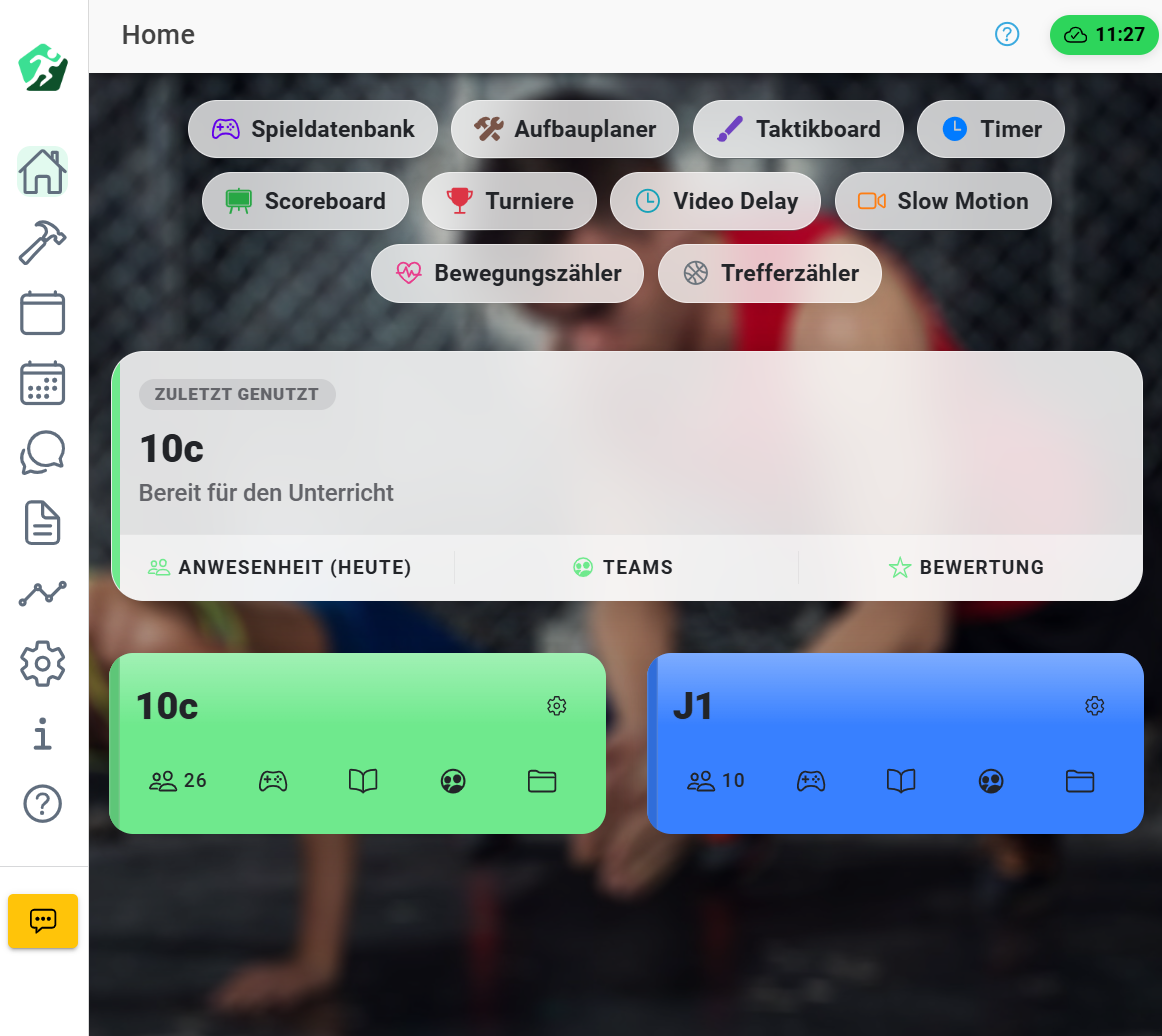
No more flipping between rosters during school sports days or grade-level testing: Evaluate students from 3 parallel classes simultaneously in one unified list.
Select classes (e.g. 7A, 7B, 7C) and open shared athletic discipline
Enter times or distances continuously as students step up, regardless of their class section
SportZens automatically assigns every score back to the student's primary class ledger
During sports days, athletic festivals, or standardized grade-level tests (such as DMT, EMOTIKON, or the Cooper Test), multiple classes run or perform simultaneously. Instead of jumping back and forth between different class rosters, SportZens offers a unified grading view.
One List for the Entire Grade Level
- Cross-Class View: Select multiple classes (e.g., 6A, 6B, 6C) and grade all students in a single, sorted view.
- Automatic Sync: SportZens automatically matches and writes the entered scores into the respective original class rosters in the background.
- Prerequisite: The selected classes must share at least one common grading category (e.g. "Sprint" or "Fitness Test").
Pedagogical & Organizational Value
Why PE teachers rely on this tool in class
Time Saved in Every Lesson
No paper chaos on the gym floor, no tedious grade entry at home after school.
More Active Movement Time
Students get active quicker, waiting times at gym stations drop to a minimum.
Audit-Proof & Transparent
Seamless documentation for grading conferences, parent meetings, and safety protocols.
100% Offline in the Gym
Works completely reliably in any indoor hall – zero WiFi or cellular signal needed.
Ready for stress-free PE teaching?
Experience how SportZens saves you hours each week. Start free or request a whole-school license.